Published:
Overview
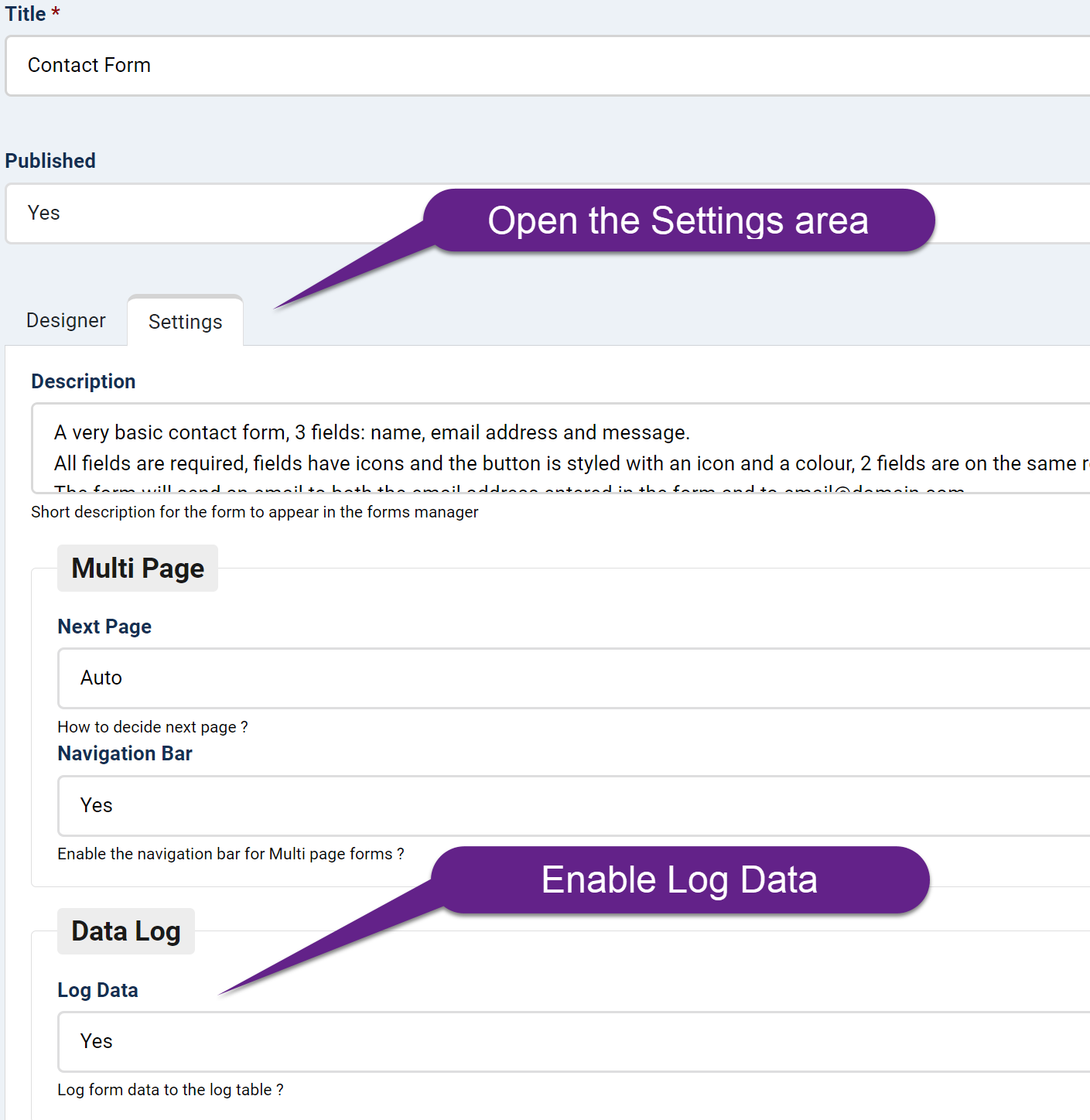
Open your form for editing, navigate to the Settings area, and enable the "Log Data" setting, which is typically enabled by default. After submitting your form, you can view the saved logs by clicking the "Data" link for your form in the Forms manager.
Open your form for editing, then open the Settings area and enable the "Log Data" setting, by default this should be enabled:
After submitting your form, you can view the saved logs by clicking the "Data" link for your form under the Forms manager



Comments