Published:
Overview
Open the ChronoForms7 Settings area and enable the Confirmation Message behavior. Scroll down to the settings to modify the message content, which will be displayed after form submission. This allows you to provide immediate feedback to users upon successful form completion.
Open the your ChronoForms7 Settings area.
Enable the Confirmation Message behavior.
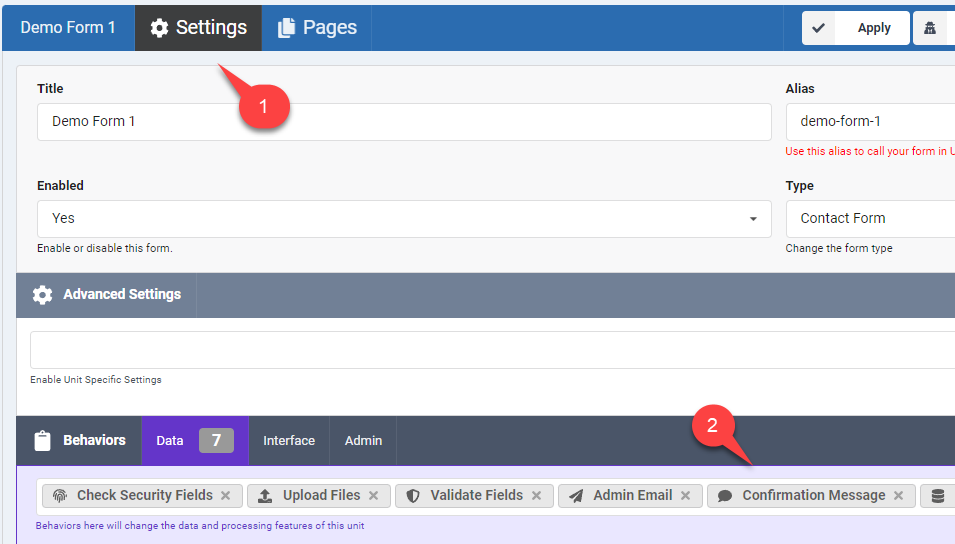
Scroll down to the Confirmation message behavior settings.
You can modify the message content here, this message will be shown after the form is submitted.



Comments