Published:
Overview
Open the forms manager and click the "Data" link for your desired form. Then, on the Data Log page, click the Export button to download all form log entries as a .csv file. This process allows you to easily save and analyze your stored form data.
Here is how you can export stored form log data to a CSV file
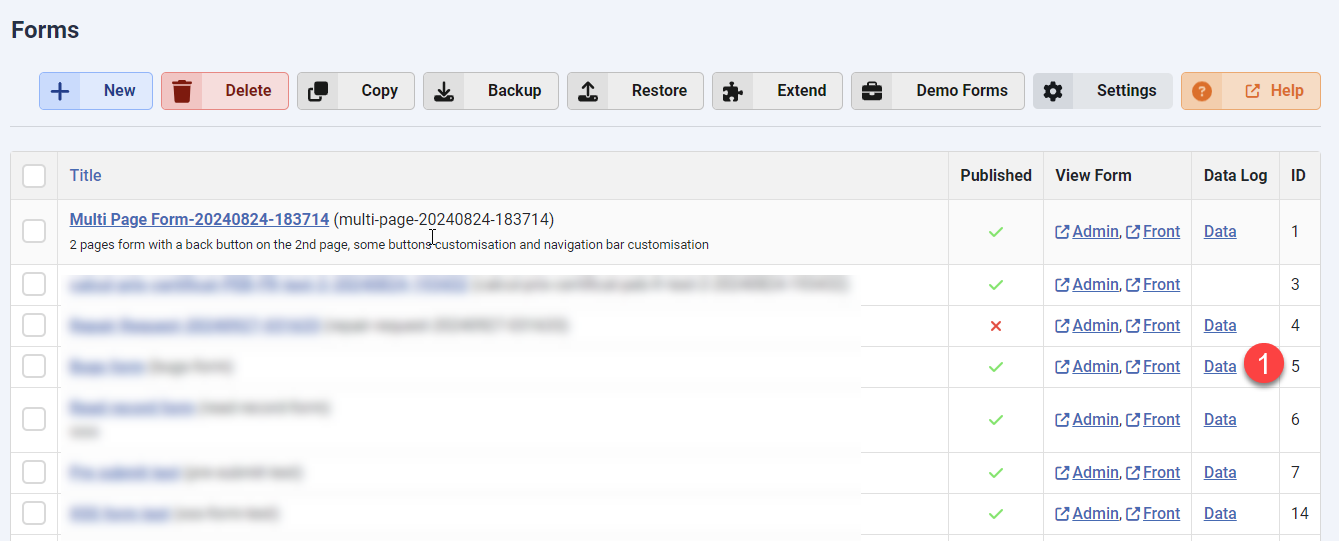
Open the forms manager and click the "Data" link of your desired form:
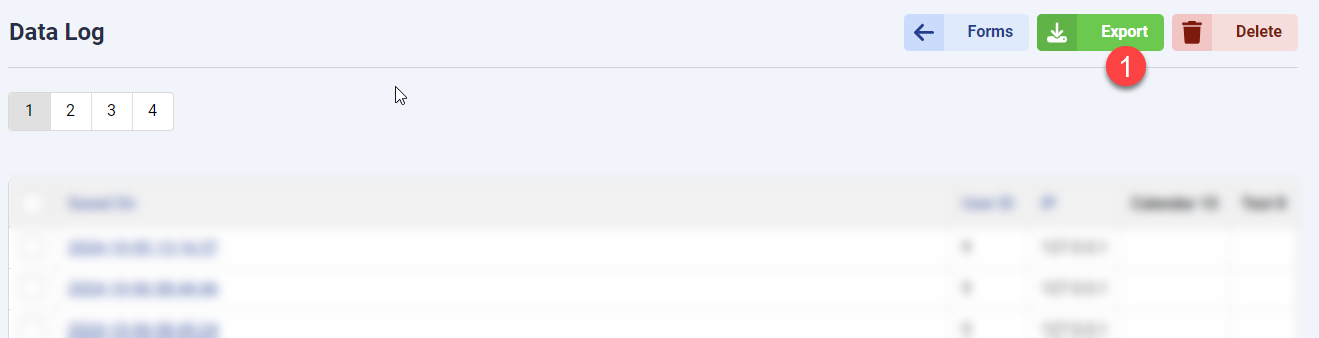
You can then click the Export button on the Data Log page to export all the form log entries to a .csv file:


Comments