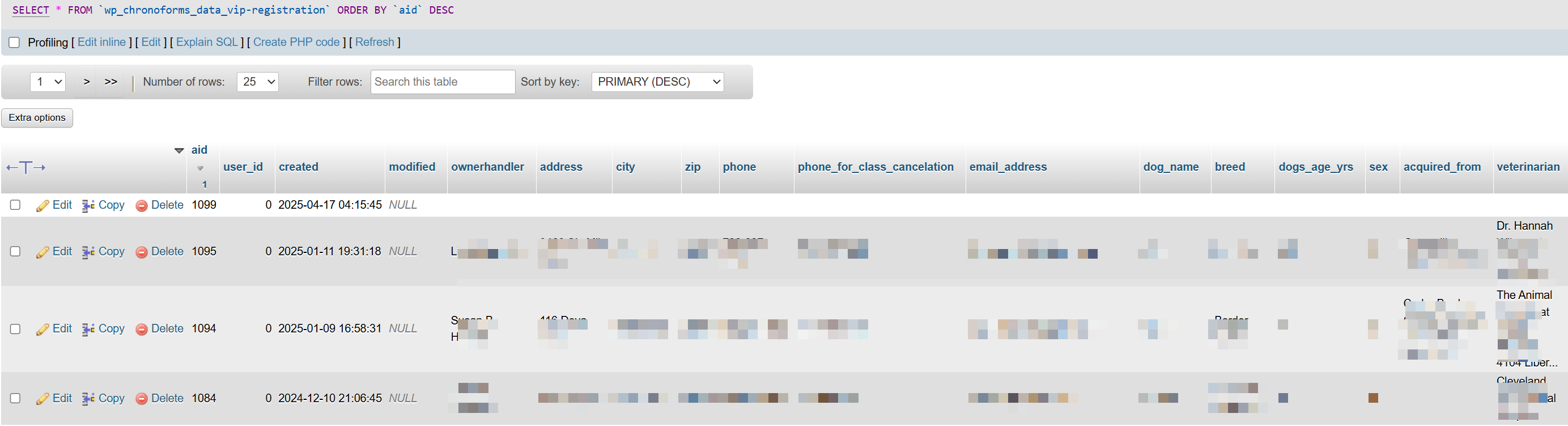
I recently upgraded from Chronoforms 6 to Chronoforms 8 and cant get the save to actually save. All I have successfully done is get it to insert a blank row of data. I'm sure its something easy but documentation is lacking. Please help. 

Hi gregsintx
you will need to use the "Modify data source" behavior in the Save Data in order to set the fields you want to save, I explain this here:
https://www.chronoengine.com/forums/topics/view/111704/save-all-the-records-in-a-new-table#p406213
This topic is locked and no more replies can be posted.

