Hi there, can I restore my CF7 forms into CF8? Much to my horror I noticed the file upload box allows for CF6 and 8 but not 7.. do I have to recreate all my forms again?
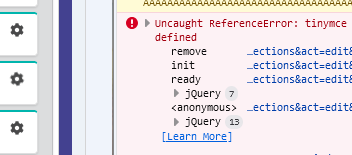
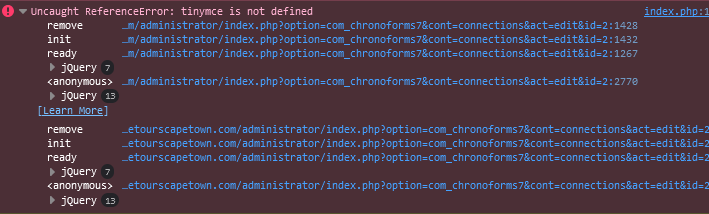
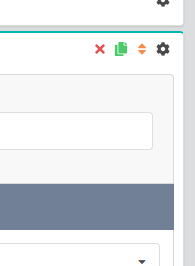
This began becauase I was getting a tinymce not defined error in the console which wasnt allowing me to expand items in the form.. the cog just turns- this didnt present on a duplicate environment so I decided to try a fresh CF install to 8 but now I can upload CF7 form backups.
So either, is there any advise for the below error for CF7? Alternatively is there now a way to restore my forms into CF8 ? I really dont want to have to recreat them all again... Any advice would be appreciated as currently my frontend forms are disabled.
I have tested the form only page too with same result.


download the attached file and extract the php file inside then upload it under this path:
\joomla\plugins\system\chronog3_plg\chronog3\libs\
to overwrite the existing file, does it solve the problem with v7 ?
Hello Max,
What do you mean by " extract the php file inside" ? Inside what ? The backup or at "\joomla\plugins\system\chronog3_plg\chronog3\libs\" ?
Sorry I did not understand it.
Ronn
Hi Ronn
just update the file under the path you noted with the file in the zip file

