Hi guys,I've get error while install CF8 at Jooma 6.1.3 (Apache 2.4, PHP 8.4, PostgreSQL 18):"An error has occurred. 42 42P01, 7, ERROR: relative "roden_chronog3_extensions" doesn't LINE 1: SELECT * FROM "roden_chronog3_extensions" WHERE "name"='com_... ^"
All 3 CF8 tables couldn't be created and admin panel was blocked. I suppose it was due the CF8 is made for MySQL/MariaDB and some PostgreSQL syntax is slightly differs.
So question is that does CF8 works with PostgreSQL or not? May I create this tables manually and CF will work or this doesn't matter and I need only MariaDB/MySQL? Or may be this is just a little bug and you can update installation script?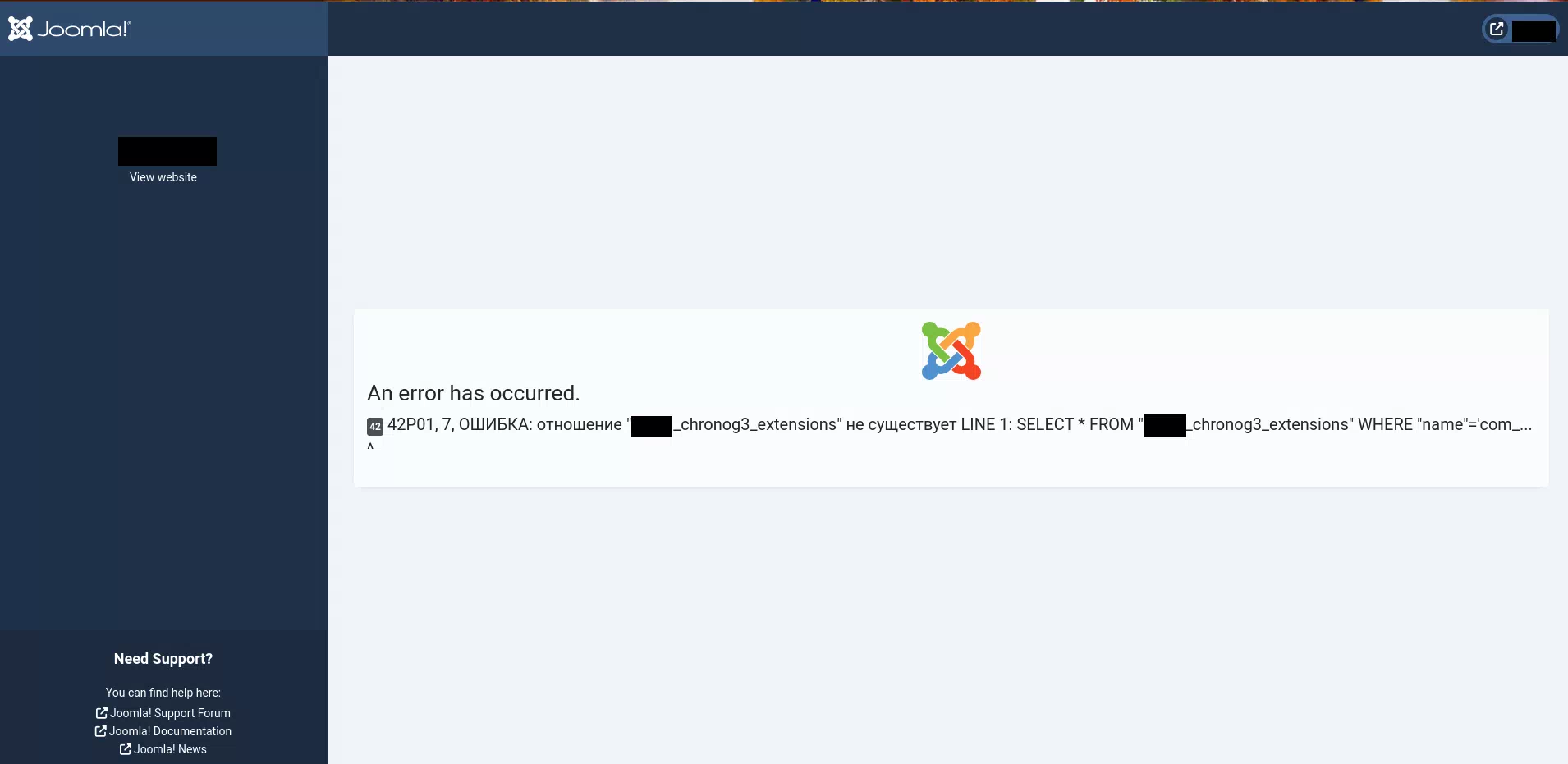

Hi Roman
ChronoForms8 uses the MySQL/MariaDB syntax, I think the syntax may not work on PostgreSQL.
So can you try to switch your database to MySQL or MariaDB ? this is the very common configuration with PHP and Joomla/WordPress.
I know PostgreSQL is more performant but also takes more resources.
You are welcome.

