
Hi Max,
I am using the Output Buffer to send a table to the TCPDF Action and it is working well. However, how would I add formatting like lines between the rows, table header shading etc. like the table looks in the html version?
Thanks
Admiral

Hi Admiral
You need to include whatever CSS the table uses in HTML in the TCPDF action, inside <style> tags before the HTML code in the TCPDF content.
Thanks for this, yes that worked. How do i get an image to display in the PDF from a table?
I have the table set up in a buffer output. I know the table is working as when I put TEST: {var:row.Scan} I get TEST: Imagexxx.jpg
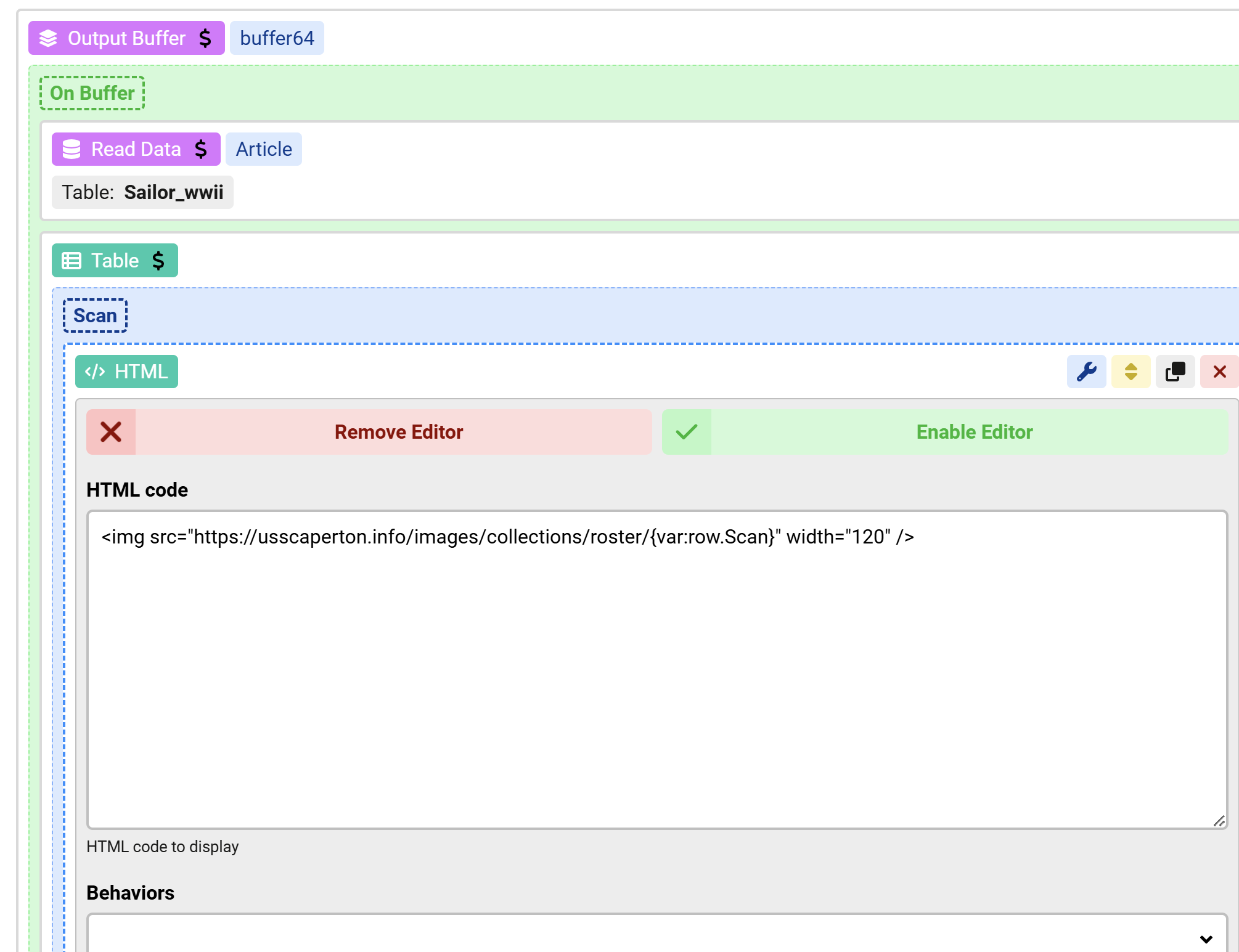
<img src="https://website.com/images/collections/roster/{var:row.Scan}" width="120" /> results in a blank page.
Thanks
-Admiral
Does this display an image in the browser:
https://website.com/images/collections/roster/{var:row.Scan}if yes then try to use a static img path instead for the PDF test, does it show in the PDF ?
Hey Max,
Yes the image does display (when including the actual image file name) in the browser. Additionally, when I hard code the path (wrapped in <img>) in the pdf that also works.
Data from the table works as well, it is just trying to display an image. I am using HTML view, is there a better way?:
Please try to place the output buffer variable call in another HTML to print the final HTML produced, does it show the image ?
Why do you use row.Scan ? where does that row come from ? your Read Data action in named Article

