Please help on this error. This error is showing above my form created using CHRONOFORM 8. What is the problem for this? Please below screen shot. Thank you very much.
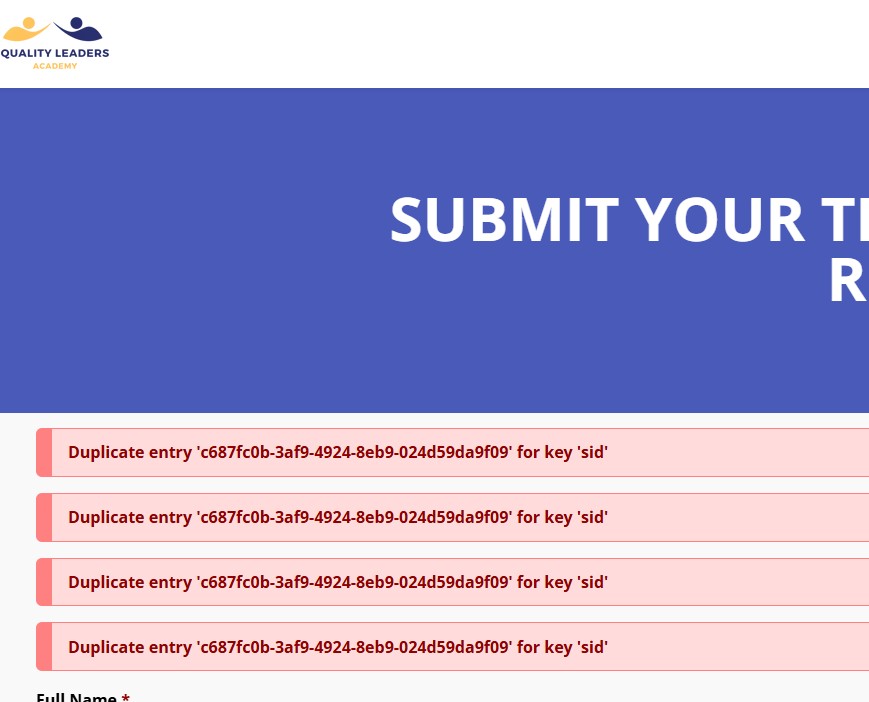

This appears above the form only ? if yes then please post a screenshot of your form page actions.
Yes it only appears ABOVE the form only. By the way, this error is not showing on the PREVIEW page in the Administrator page, only on the FRONT PAGE form. Please see the attached screenshot of the form page actions below:
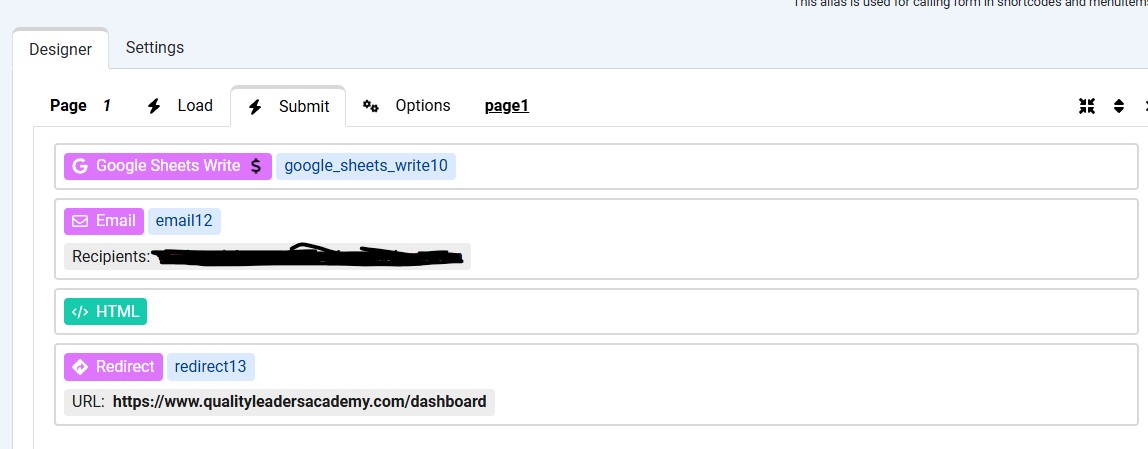
Does it appear when you open the form or after submit or both ?
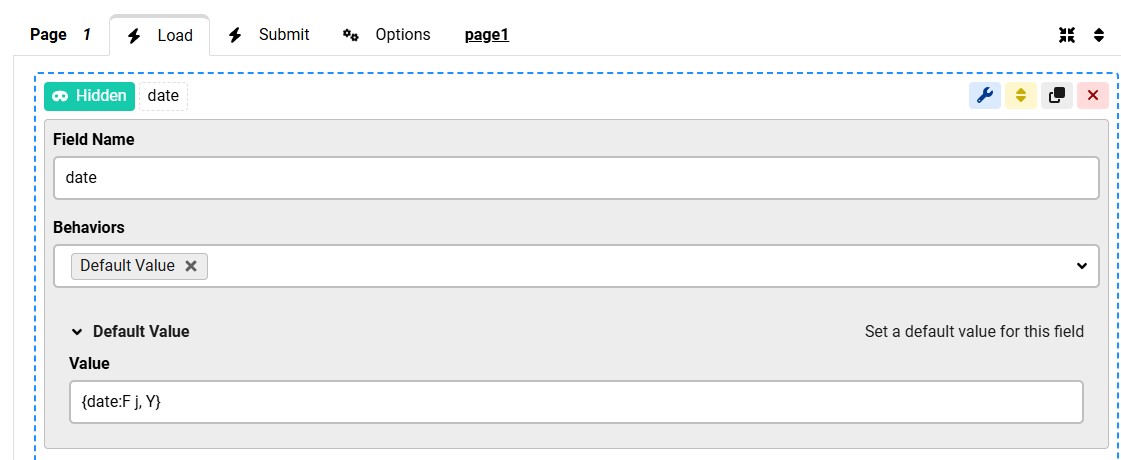
Do you have any actions under the form "Load" event ?
It appears on the OPENING of the form and it remains there when the form submitted.
There is no action in the LOAD EVENT other than a hidden field of DATE and a Default value (I tried to remove this but the error is still there), the same entry strings as above. See screenshot:
most probably this is coming from another extension or plugin, does it appear on other pages of the website ?
Do you have the ChronoAnalytics extension installed ? if yes then please try to disable the ChronoAnalytics "plugin" ?
It doesn't appear with other pages in the websites. It is only in the form. The form can be access only by a registered user.
Yes the ChronoAnalytics extensio is also installed in the website. I tried to disable it and retest the form, but the error is still there.
What table in database I can find this strings? I will try to delete it and hope it will not show up again. It is the same strings coming out every time I open the form.
Did you disable the ChronoAnalytics "extension" or "plugin" ? you should disable the plugin, please double check that.
I disable all the ChronoAnalytics in the Extension Manager and I try it again, the same problem:
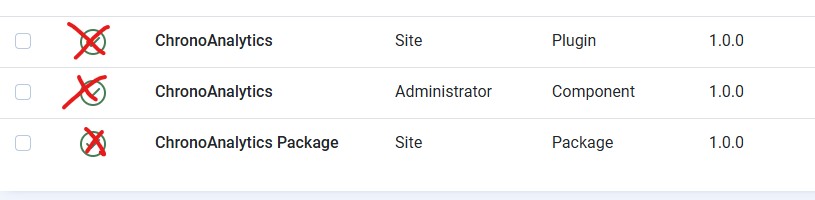
But when I disable the ChronoAnaytics Plugin only in the Plugin Manager, the duplicate entry error is FIX and not showing anymore. What is the problem about this? Which means I cannot use anymore the ChronoAnalytics, do you suggest I will just uninstall the ChronoAnalytics?
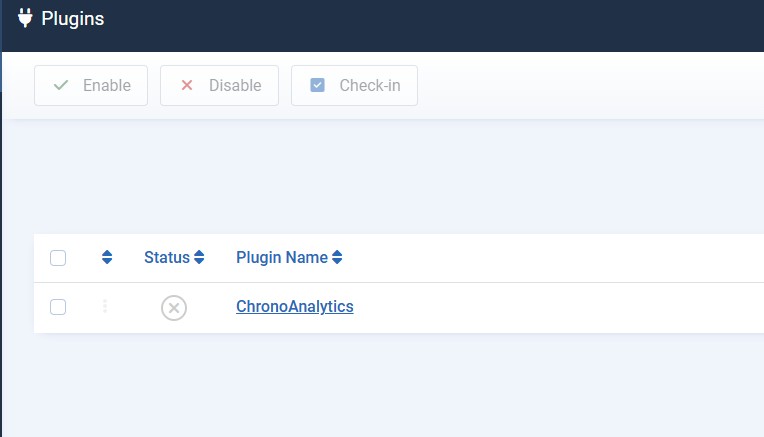
Yes, as I suspected, it's the ChronoAnalytics plugin causing the issue.
This may be a bug in ChronoAnalytics or a database table issue, you can enable the plugin again and try a different browser, does the error still show ? what happens if you clear the browser cookies ?
I have done what you suggest reenabling the ChronoAnalytics plugin and it work on other browser like Firefox, the duplicate error is fix.
The one I am using before is the Chrome. I tried using the form in the Chrome without clearing the chrome browser cookies and the error still persist however when I cleared all the browser cookies all times (since the beginning) in chrome, the duplicate error is FIX.
Is still the standard fix? or you need to update all the Chrono plugins so that it will not happen this again?
Thank you very much for your support.

