ChronoForms 8 Premium, expires

Resolve ChronoForms premium license validation error on localhost.

Overview

The issue occurs because the free validation period for localhost is limited to 10 days, even with a purchased key.
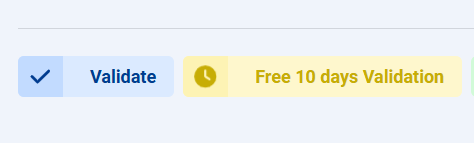
Ensure you click "Validate" and not "Free 10 days validation." For extended localhost use, contact support via the Contact page with your domain details.

Answered
ChronoForms v8
da darkarturo 25 Apr, 2025

Hello, good afternoon. I have a question. Why am I getting this message when I enter my validation key? Yes, I'm testing locally. Furthermore, my key has no expiration date. I'd appreciate it if you could explain.


ChronoForms 8 Premium, expires image 1

Max_admin Max_admin 25 Apr, 2025
Answer

Hi darkarturo

Are you sure you have clicked "Validate" ? because if you click "Free 10 days validation" then you will get an expiration date

Also you noted that "You tested locally", if you mean on "localhost" then the free validation for "localhost" is 10 days only
ChronoForms 8 Premium, expires image 2

if you need to add more private details regarding the domain you are trying to validate then please use the Contact page

Max, ChronoForms developer
ChronoMyAdmin: Database administration within Joomla, no phpMyAdmin needed.
ChronoMails simplifies Joomla email: newsletters, logging, and custom templates.
Post a Reply

