Hello Max,
in my table list I see two numbers 1 above and below the table.
What do those numbers mean and especially how do I get rid of them?
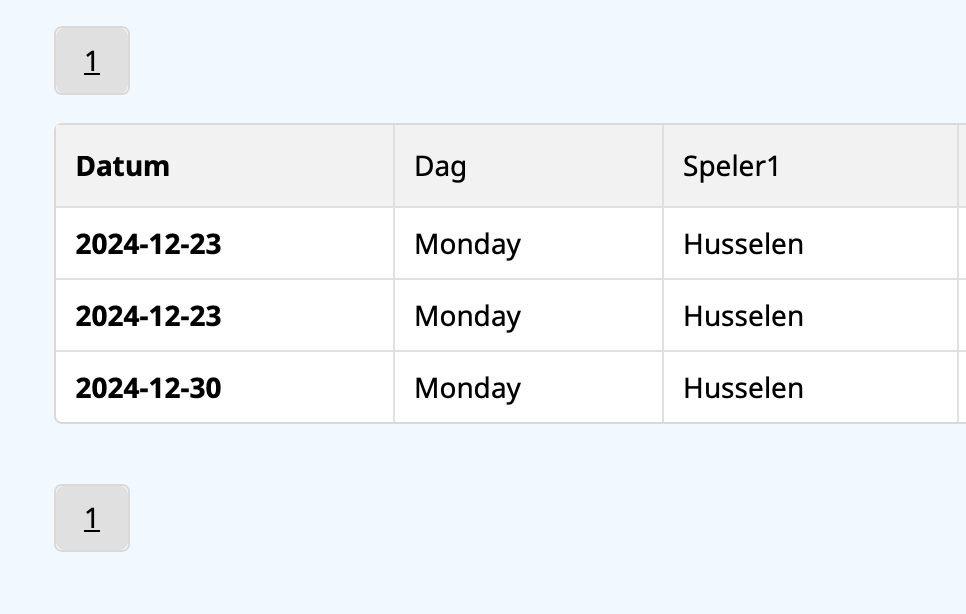

these numbers are for the paginator, in case your table has more than 1 page
You can hide them with CSS if you do not need them to display at all
or if you have other ideas then please let me know them and I can add as a new feature

Max, about the pagination - I’ve hidden the button for now, but I’ll need to track when the table rows reach the limit that requires pagination, so I can unhide it when needed. Ideally, I’d like to implement pagination like it was on CF6, with these features:
-
Pagination control: Add pagination either at the top or bottom of the table. If there are only a few rows, a small "Page 1" button at the bottom right wouldn’t disrupt the layout.
-
Row filter: Provide options to show 10, 50, or 100 rows per page.
Hi Max,
Allow me to hop on this question too.
I think the pagination numbers should be hidden if there is only 1 page, but shown when there are multiple pages.
Some arguments:
- It looks quite silly if you only have a small table and it shows a number 1 on top and below the table. See an example below of one of my forms where I show a person's children (which they entered in the system with another form). Most of the time people only have 1 or 2 children.
- In this case it would also be overkill to show a row filter as in Elita's suggestion (option dropdown to show 10, 50 or 100 rows per page). So if this functionality would be implemented, I think there should be an option to hide it too.
- It is not really a good solution to completely hide the pagination buttons using CSS. Because some tables have a lot of rows while others on the same website are very small. Most of the time the content of the table also depends on a search query, so the number of rows and pages depends on dynamic data and cannot always be known in advance.
Best regards,
Bart
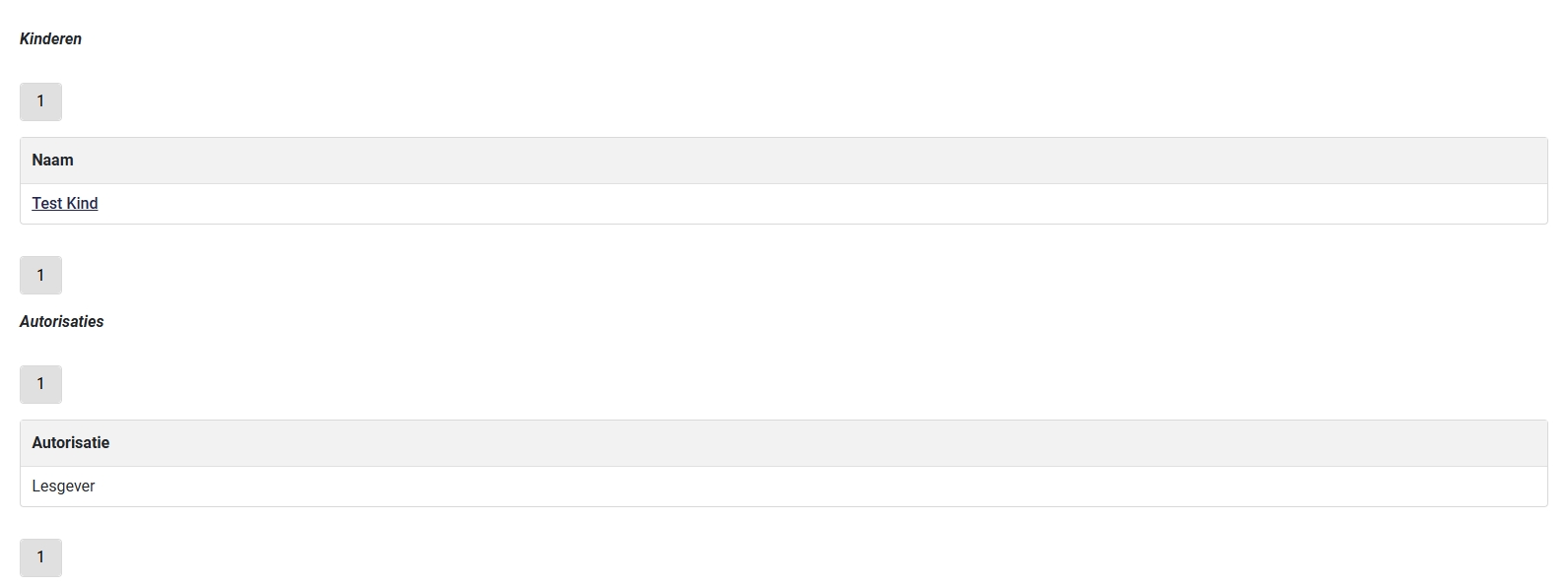
I have made the paginator hidden when there is only 1 page of data available

