Hi,
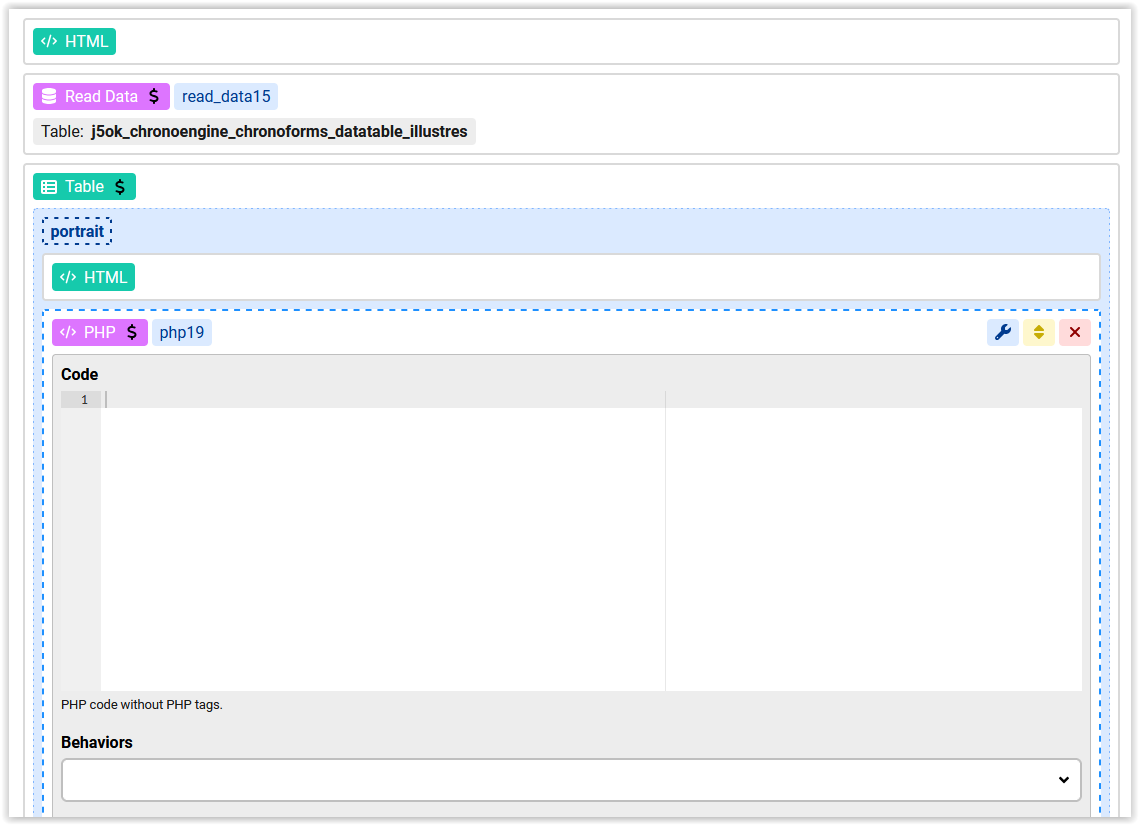
I'd like to display data from a `read data` action using a PHP action, mainly because some of the values are null and this changes the layout. I'm new to Chronoforms 8 and would appreciate some help with the method and syntax.
Thanks

Hi
For this specific issue you can use the COALESCE function in the Fields behavior:
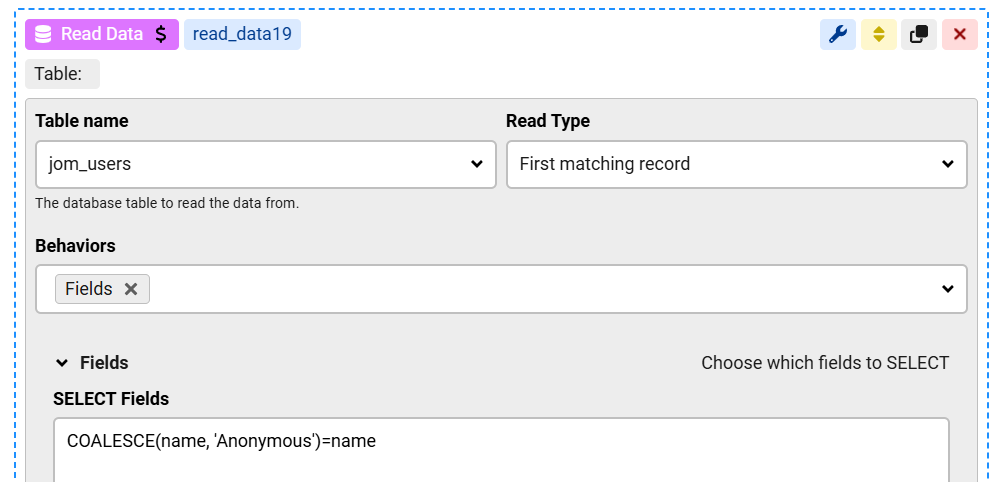
this will return "Anonymous" when the name column has NULL
if you want to process this with PHP then you can get the read value(s) using:
$this->get("read_data19")if you "return" value from the PHP action then they will be available under {var:php_name}
Hi,
Let me clarify my request. Previously, in ChronoConnectivity 5, I displayed custom code like this in a front-end view action:
<h3 style="border-bottom:1px solid #ccc;border-top:3px solid #ccc;">{illustres.prenom} {illustres.patronyme}
<?php if (isset($row['illustres']['alias']) && $row['illustres']['alias']!="") {
echo "dit ".$row['illustres']['prenom_pub']." ".$row['illustres']['alias'];
} ?></h3>
"illustres" was the name of the list.
How can I replicate this in Chronoforms 8?
Hi CDLMQSE
assuming your table "reads" from read_data15 you do not need ['illustres'] . Also PHP8 structure is a little bit different.
<h3 style="border-bottom:1px solid #ccc;border-top:3px solid #ccc;">{var:row.portrait} {var:row.patronyme}

<!-- you can use one of the two php herebelow -->

<?php  if ($this->get("row.alias") && $this->get("row.alias") !="")  {; ?>

<!--  or -->

<?php  if isset($this->get("row.alias")) && $this->get("row.alias") !="")  {; ?>

dit  {var:row.prenom_pub}    {var:row.alias}

?php  }  ?>

</h3>
also you do not need php19 . simply activate php in your HTML using Behaviors => run PHP
Hi CDLMQSE
As simelas noted, the syntax inside the Table is {var:row.column_alias}
So from my example above you could use {var:row.name} to print that column
if you need to get that in PHP then:
$this->get("row.name")
