I am using the latest version of CF8 on a Joomla website.The form is working correctly except that it is not saving data to the database. In Settings > General > Log Data set to "Yes". I have added no other save to database action to the form. How do I correct this issue?

Do you have a Redirect action at the Submit event ? if yes then it will redirect before Logging, for this you either need to:
- Use a Log Data action BEFORE the Redirect
- Set the Redirect to have a delay, and show a message like "You will be redirected in 2 seconds"
Got it. Thanks!
Hi Max,
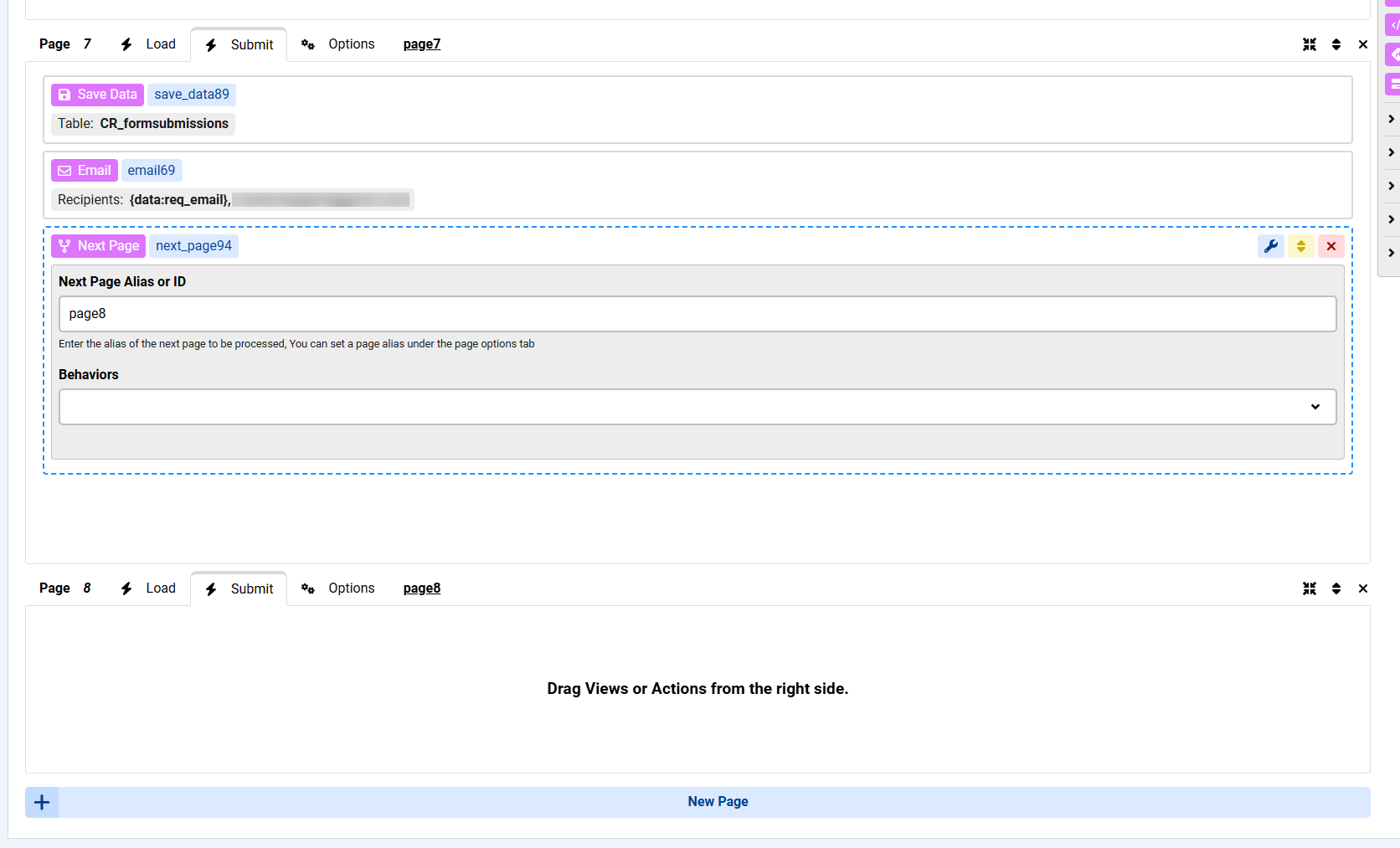
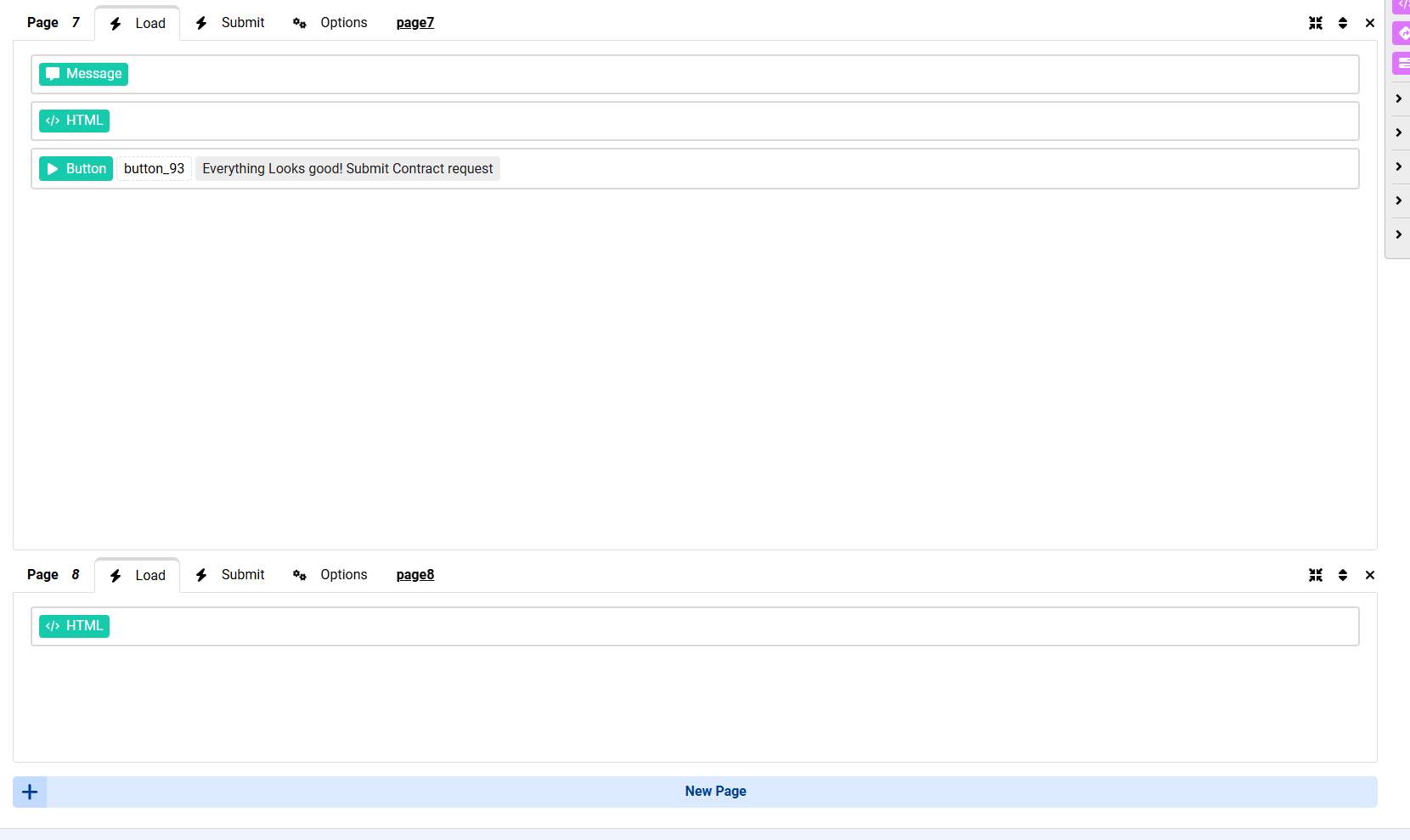
I am expriencing the same issue but I do not have a redirect in my form. On page 7 - Submit sends the email and Save's the data to a DB table and then goes to the next page which is a Submission success page in HTML module.
Do I need to change something here to make the log work?