Dear Max,
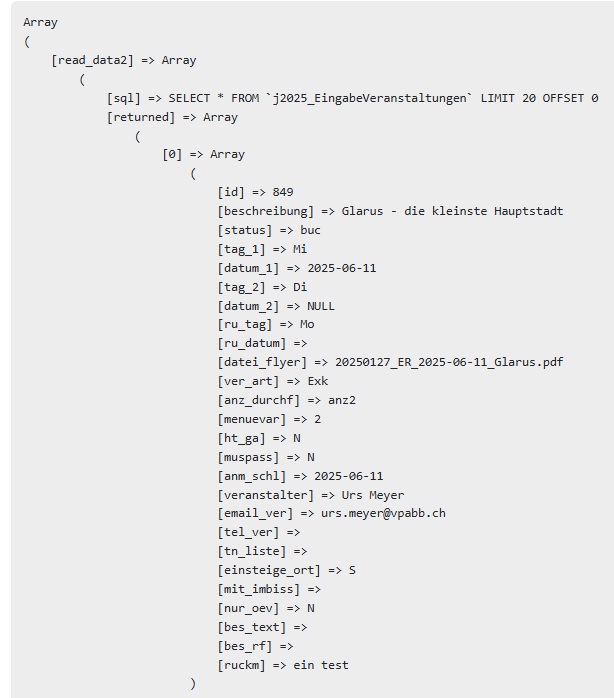
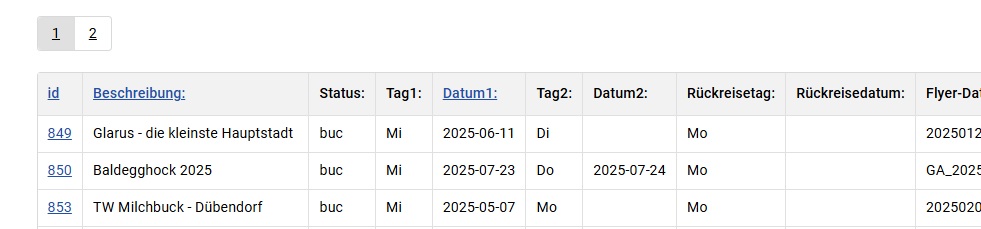
I have followed your tutorial for creatind a table list with partial success.The list display the data correctly. See below pics.

Where I struggle is with the editing
The form looks like that:
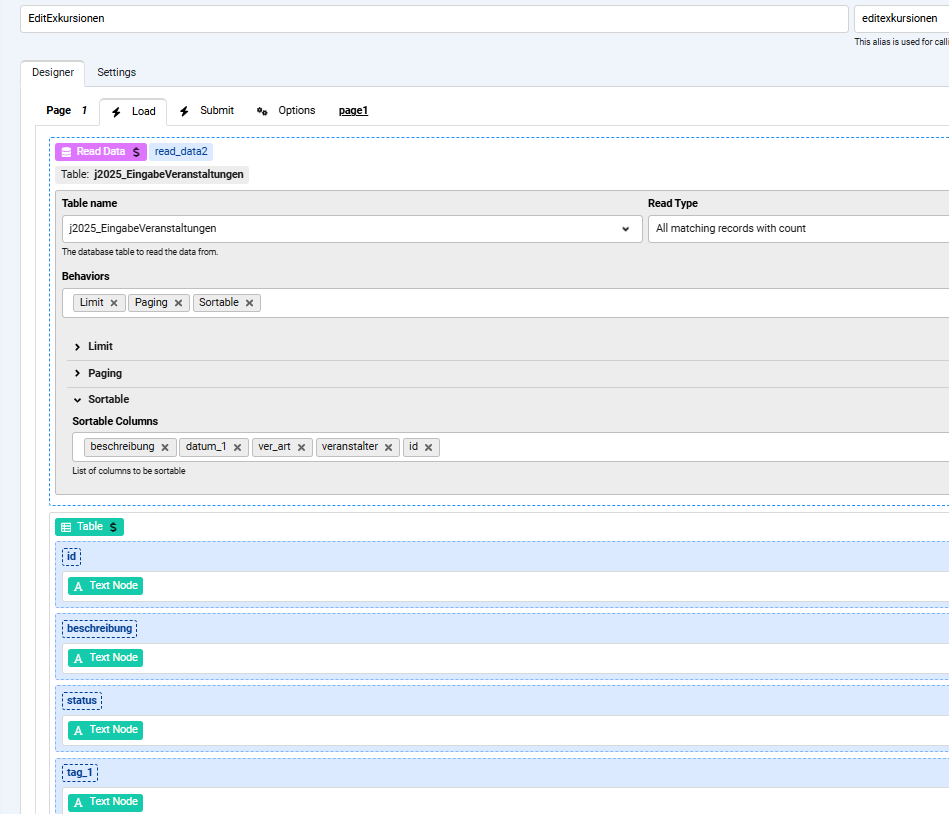
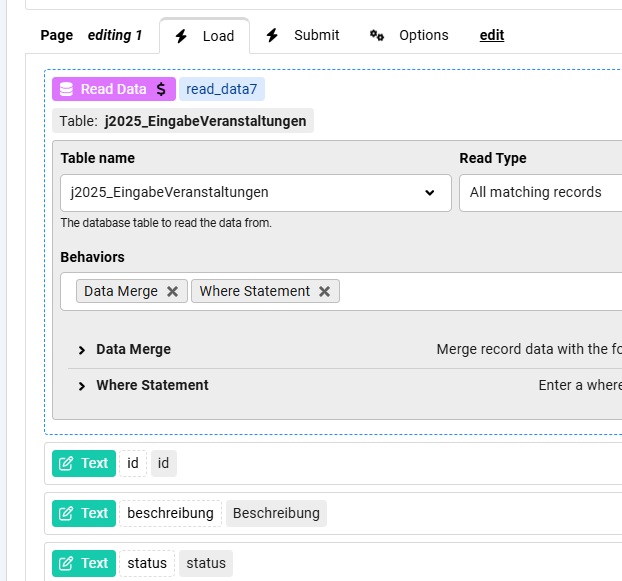
and the edit page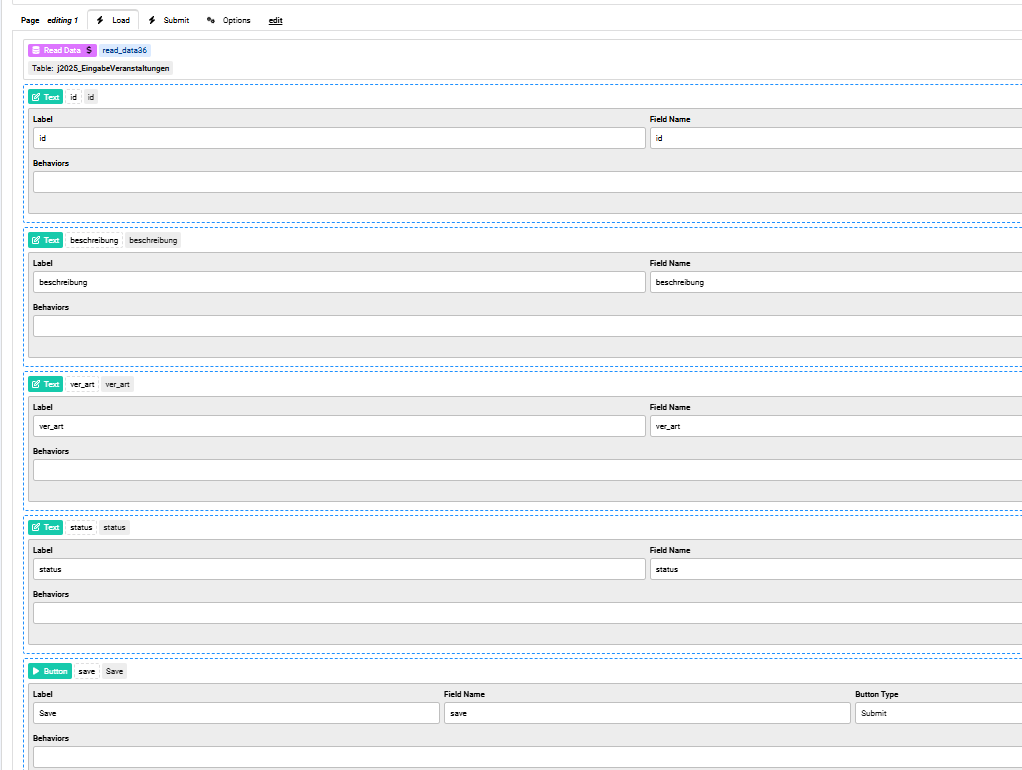
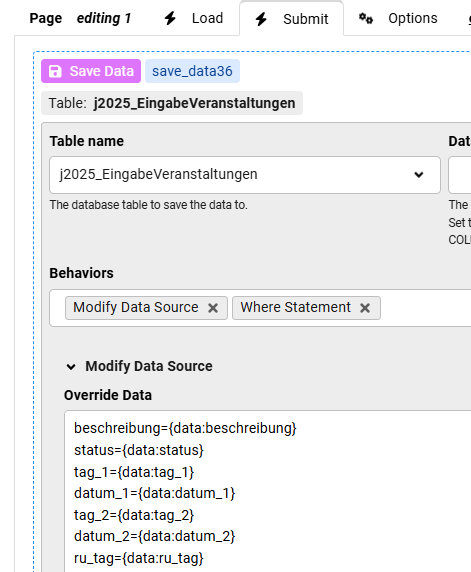
and the submit page: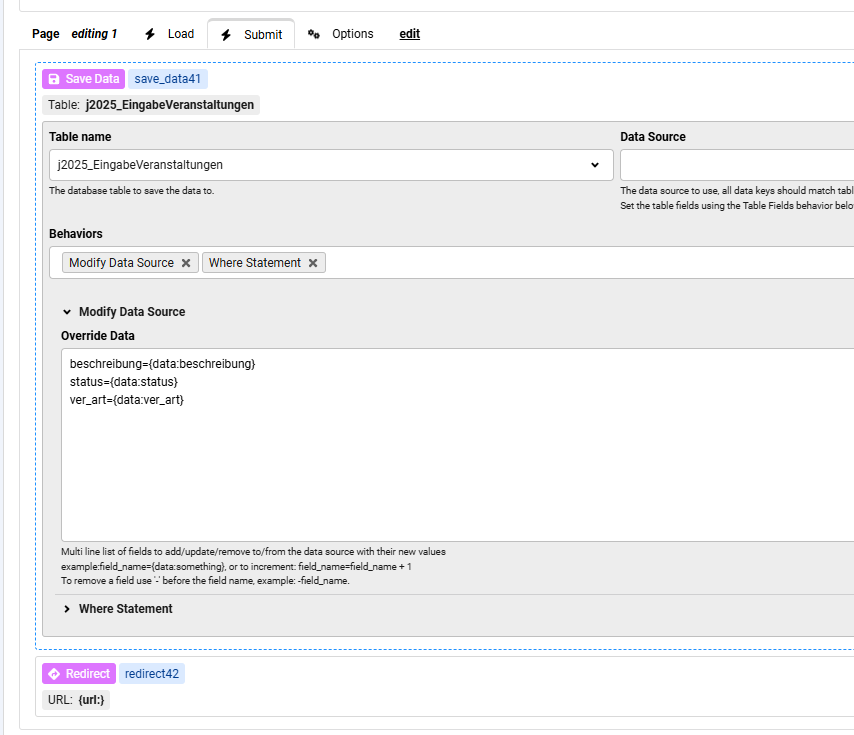
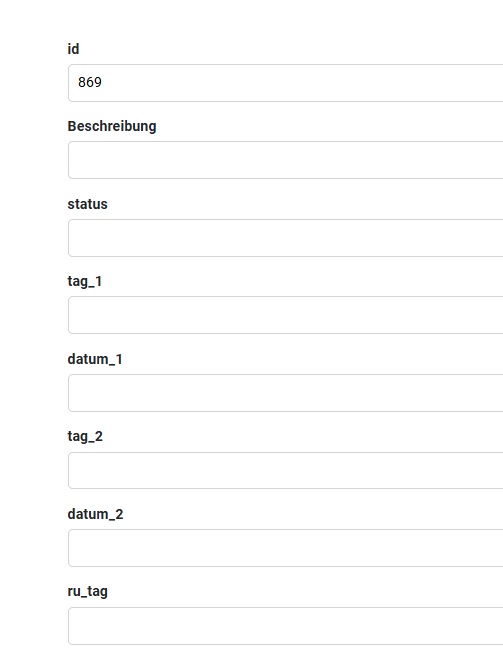
When the record is selected, fields are not populated and not correctly updated from a previous selection in the edit page. see below.

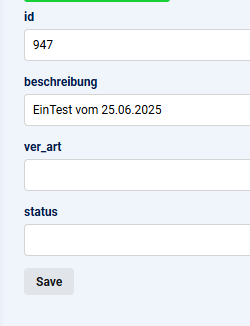
Can you help me out?
Another question is, if it is not possible to habe the edit page as a form where the variable are populated instead as a table.
Thanks Max for your help

Does the Read Data have the Data Merge enabled ?
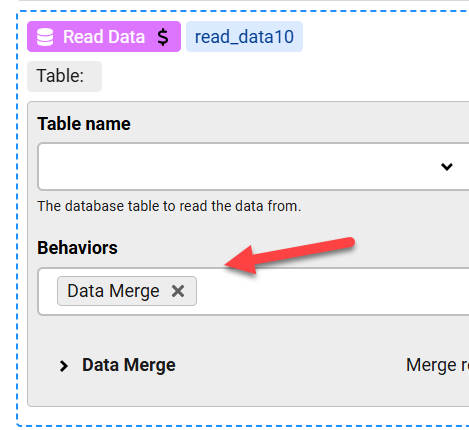
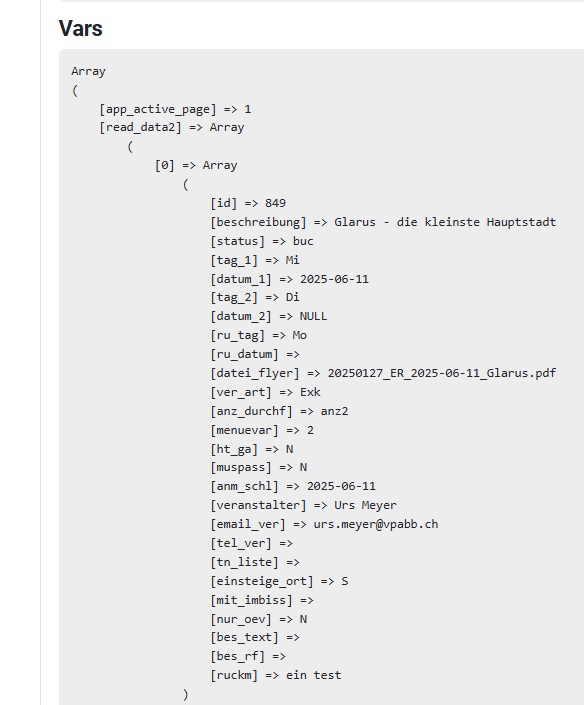
and does Read Data have the Where Statement correct ? you can check this in the form debug on the edit page, it should show the record values under the "read_data" action name in the Vars section of the Debug
Max,
yes, the where statement and the data merge is enabled. Also the debug of the var section shows all Records.
May I send you the backup file of the form for your checking?
Also the debug of the var section shows all Records.
You need to select the First Record only, please try that and let me know
Max,the load page1 has a read data action followed by a table with all fields listed, but only one with a text node for the id field, as i want only the id field to be selectable.
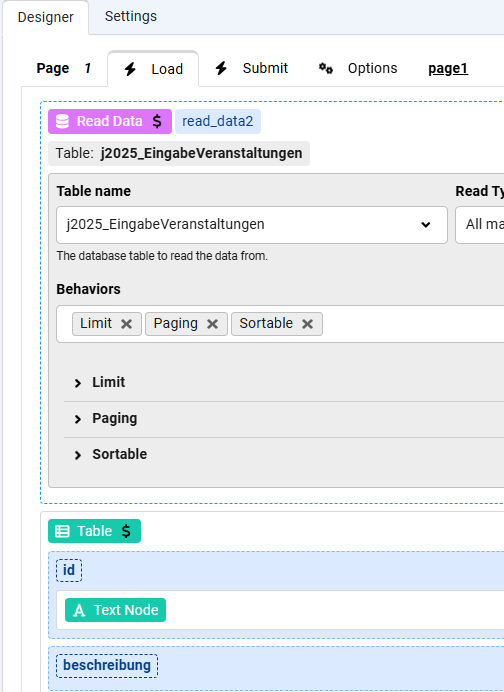
This how the table looks like:
The editing 1 page has another read data action with data merge action activated and the where Statement as id={data:id} followed by text fields, each one for each table fields.
The submit page has a save data action with a modify source containing oderride data each one line for each field and a where Statement as id={data:id}.
This is the empty edit page..
Once again the debugger shows as follows: