Create a joomla user registration form

Create a Joomla user registration form with ChronoForms.

Overview

The form returns a name error because the Save User action was placed in the wrong tab.
Move the Save User action to the Submit tab to ensure user data is saved after the form is submitted.

Answered
ChronoForms v8
Co Con20 27 Nov, 2024

Good morning, everyone,

I am trying to create a simple form, first name, last name, email and password for a user to also register as a joomla user.

I have entered from Actions > Joomla > Save User

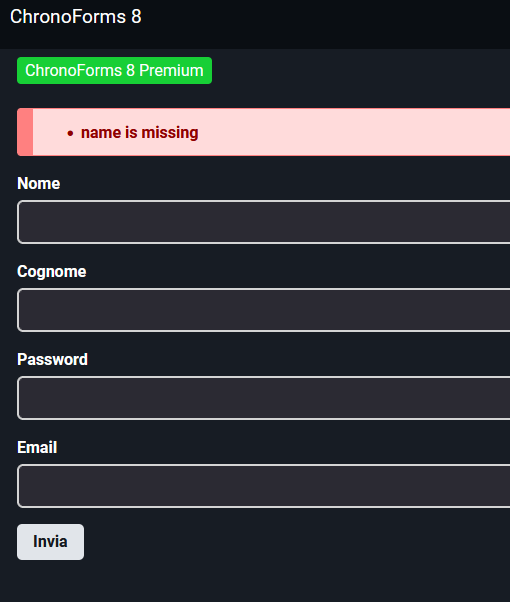
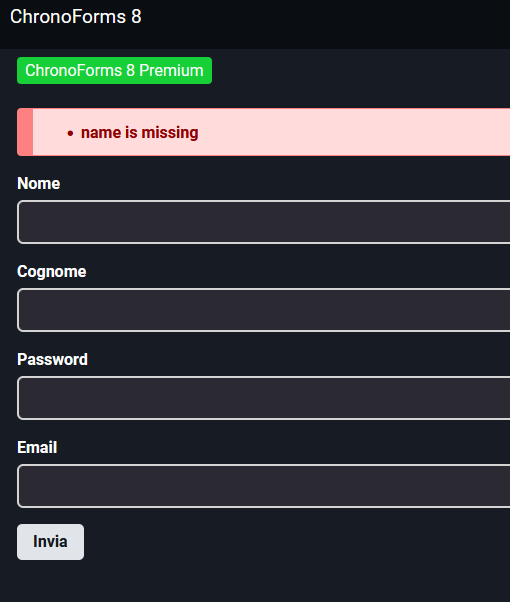
But the form immediately returns me name error.

How should I proceed?

I am new to this component and still not clear about the procedures

Thanks

Marco

Max_admin Max_admin 27 Nov, 2024
Answer

Hi Marco

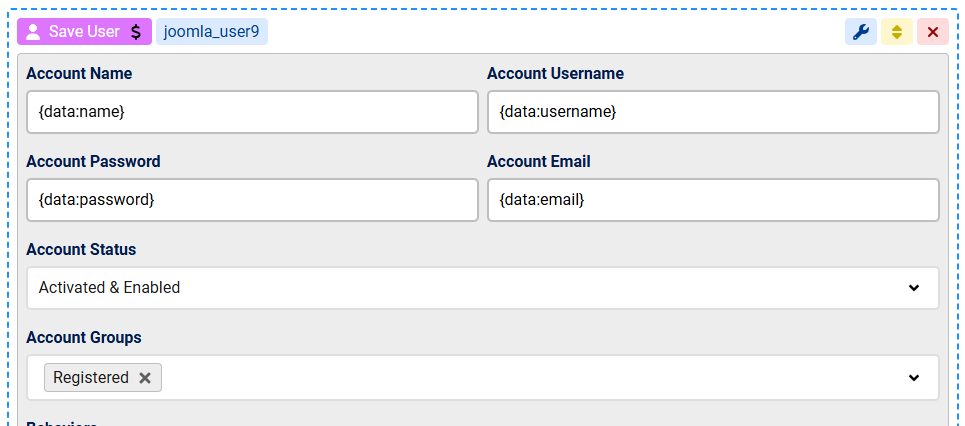
You need to provide the values required for the Joomla user account:

this is the minimum setup assuming you have the fields names matching the ones I used here, name for name and email for email:
Create a joomla user registration form image 1

Max, ChronoForms developer
ChronoMyAdmin: Database administration within Joomla, no phpMyAdmin needed.
ChronoMails simplifies Joomla email: newsletters, logging, and custom templates.
Co Con20 27 Nov, 2024

Create a joomla user registration form image 2

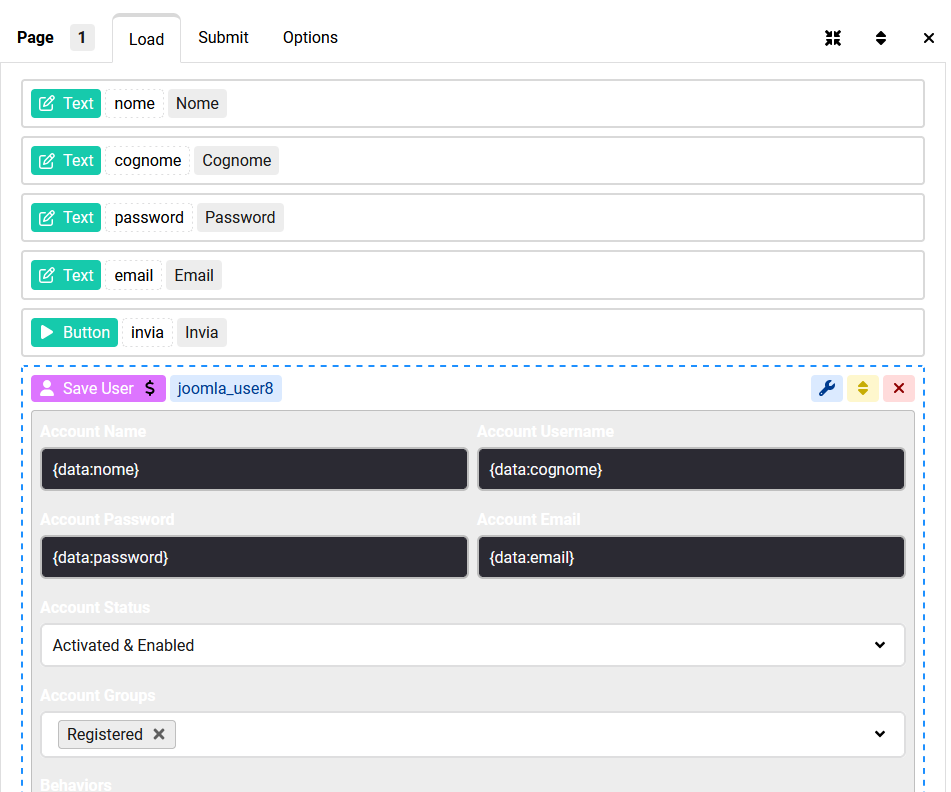
In this way?

Create a joomla user registration form image 3

Create a joomla user registration form image 4

this is the error it gives me

Thanks....

rb rbock 27 Nov, 2024
1 Likes

"Save User" action belongs in the Submit tab!

Max_admin Max_admin 27 Nov, 2024
1 Likes

drag the Save User action OVER the "Submit" tab and drop it there, you want the user to be saved after the page is submitted

Max, ChronoForms developer
ChronoMyAdmin: Database administration within Joomla, no phpMyAdmin needed.
ChronoMails simplifies Joomla email: newsletters, logging, and custom templates.
This topic is locked and no more replies can be posted.