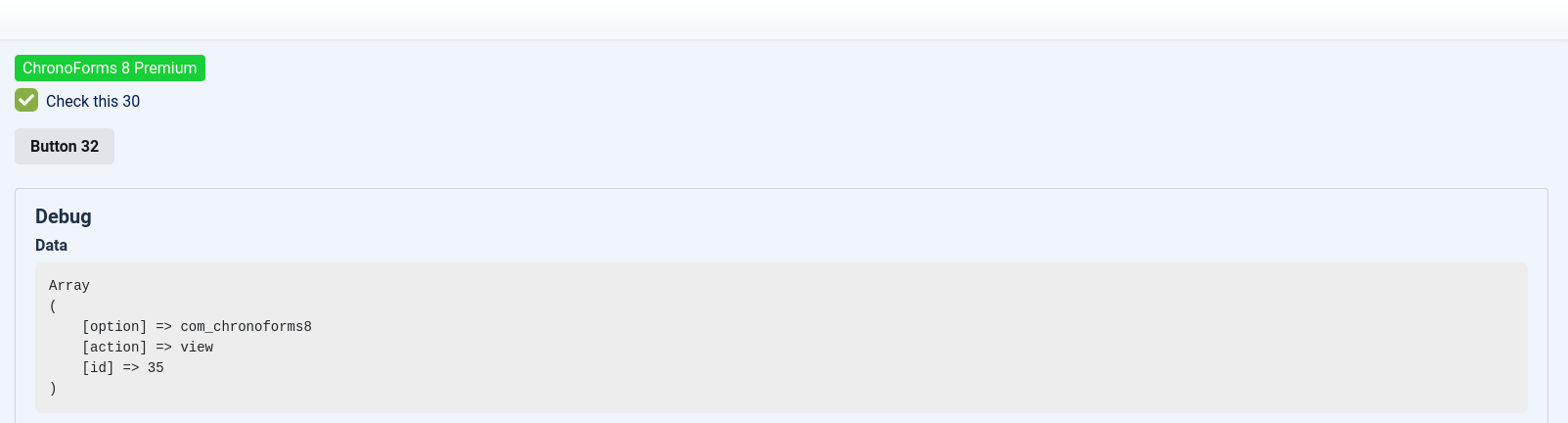
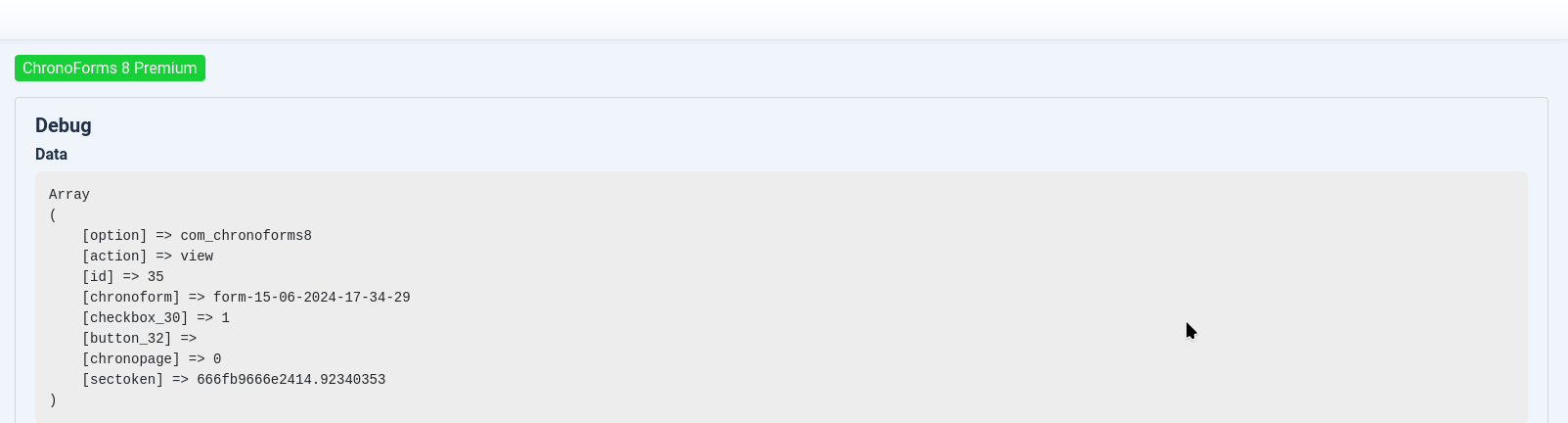
CF8 - Standalone Page for search & filter functions

Create a standalone page for search and filter functions in ChronoForms 8.

Overview

The issue arises when trying to replicate the standalone page functionality from CF7, which allows form submissions to reload the page and use form fields as filters for an SQL query.
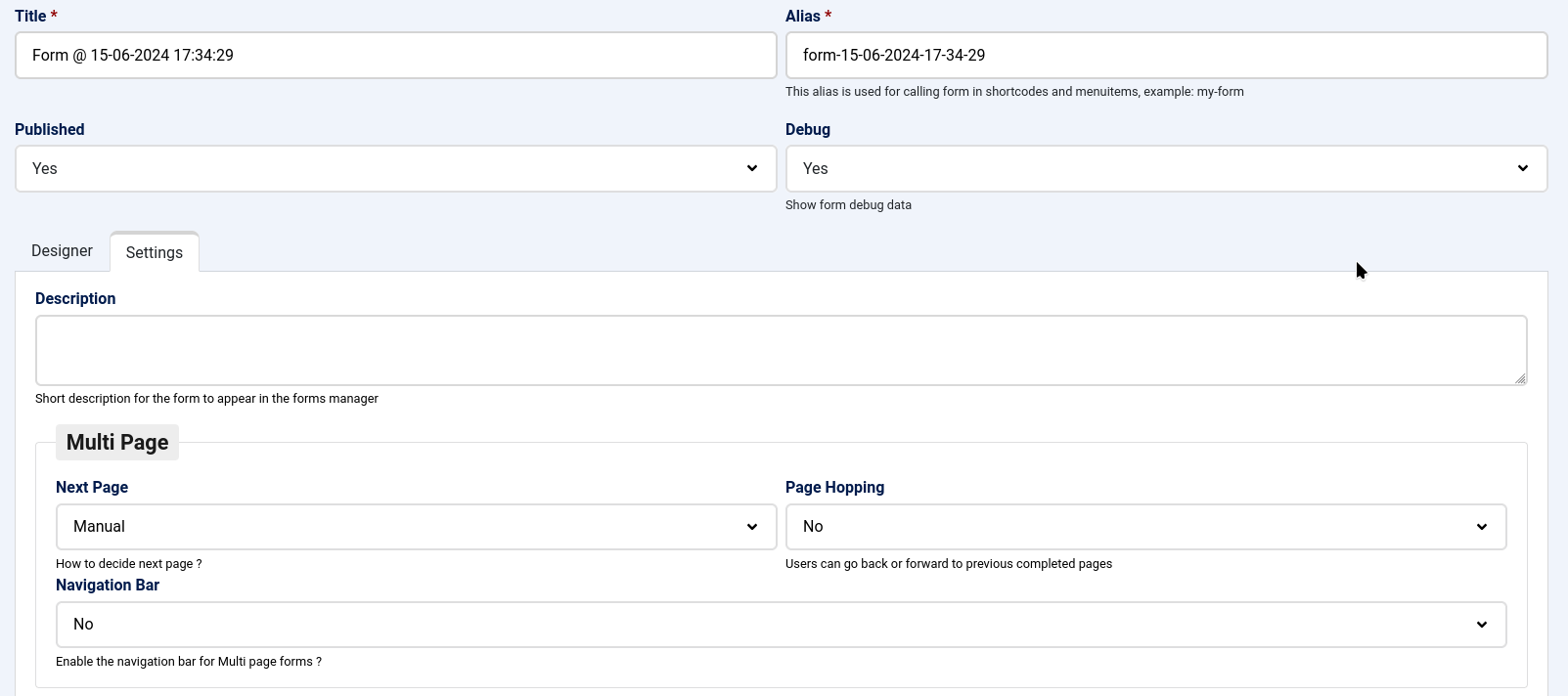
Disable the "next page" option in your form settings so that each page operates independently, then ensure the form's load section is redisplayed after submission to show the filter fields again.

Answered
ChronoForms v8
rb rbock 16 Jun, 2024

In CF7 I can define the page as standalone. This means that the page is reloaded when you submit and set checkboxes/dropdown/text fields can be used as filters for the SQL query.

How do I implement this with CF8?

Max_admin Max_admin 17 Jun, 2024
Answer

disable the "next page" option in your form so that each page will work on it's own
Max, ChronoForms developer
ChronoMyAdmin: Database administration within Joomla, no phpMyAdmin needed.
ChronoMails simplifies Joomla email: newsletters, logging, and custom templates.
rb rbock 17 Jun, 2024

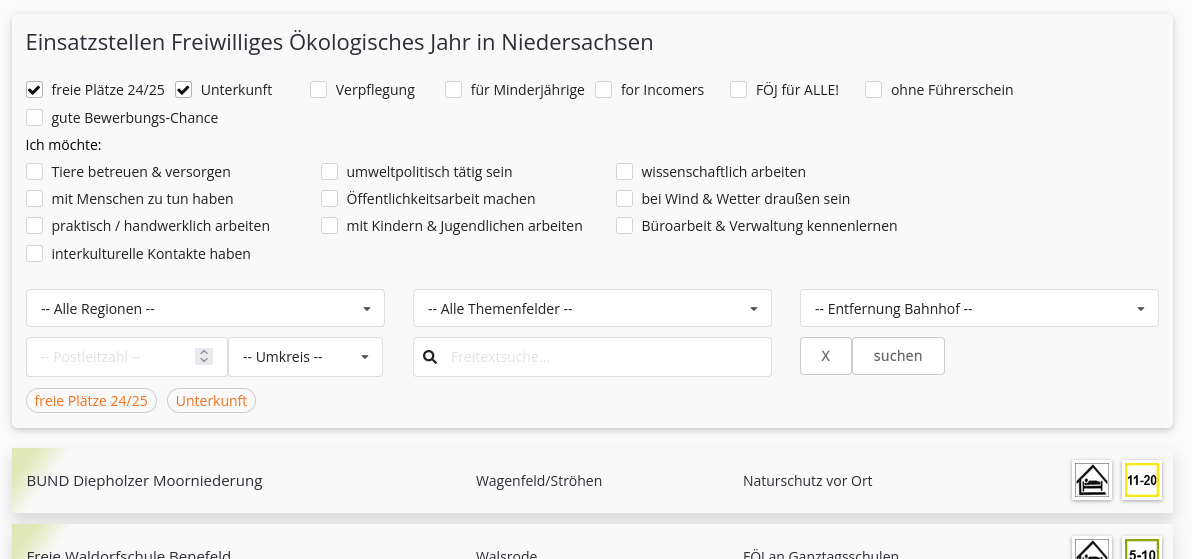
Sorry, Max, I can't do it like that... I need an example, please! 

The checkbox should be used as a filter option for an SQL query of a table. 

So, that should work then.
CF8 - Standalone Page for search & filter functions image 4

Max_admin Max_admin 18 Jun, 2024
1 Likes

it works as expected, when you submit the page you get the "submit" section of that page, but you need to redisplay the load section and that needs some new feature to be added, I will try to prepare this soon

Max, ChronoForms developer
ChronoMyAdmin: Database administration within Joomla, no phpMyAdmin needed.
ChronoMails simplifies Joomla email: newsletters, logging, and custom templates.
This topic is locked and no more replies can be posted.